



Introduction
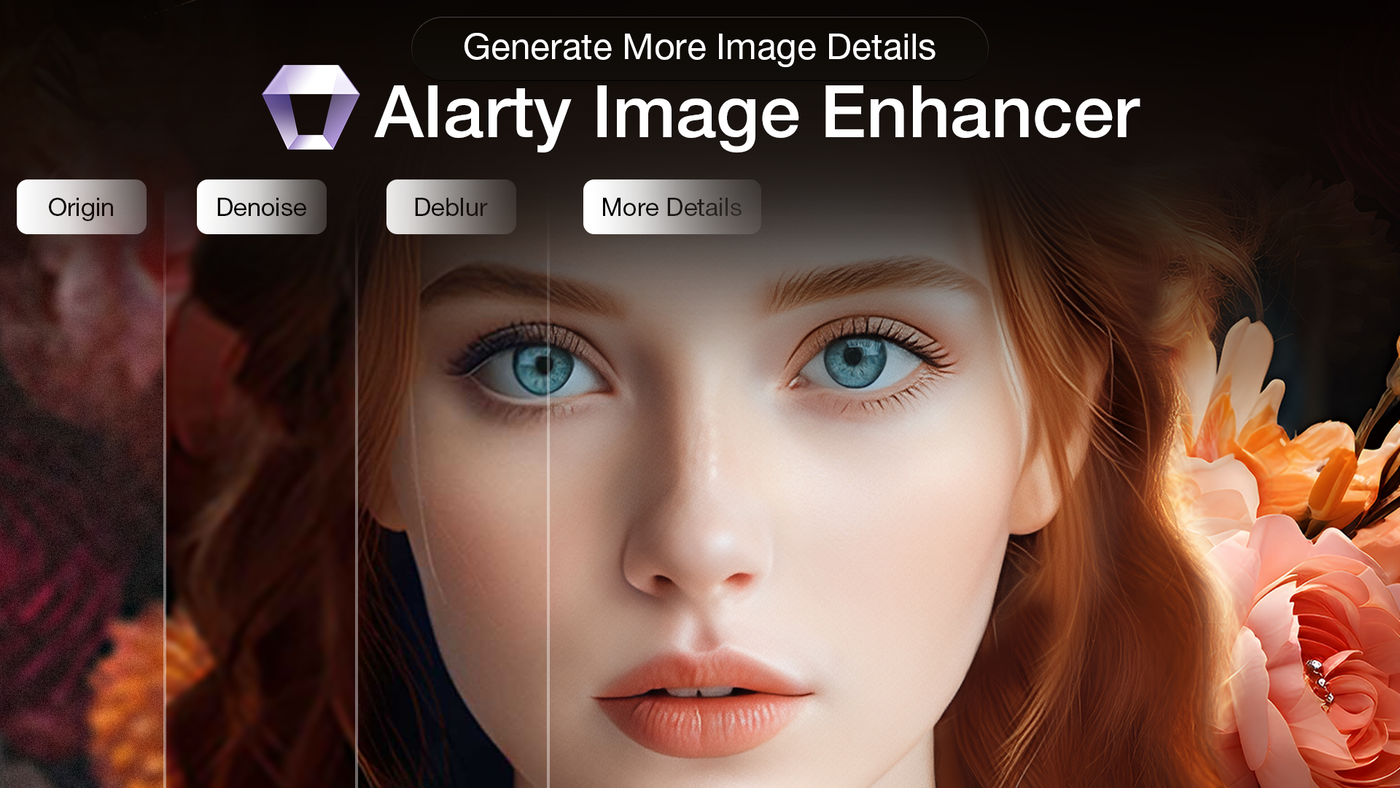
Blurry vacation photos, grainy low-light shots, and faded old family pictures no longer have to stay that way. AI photo enhancer tools have advanced significantly in 2026, using intelligent models to reconstruct detail, remove noise, and upscale resolution in ways that traditional editing software simply can’t match.
This guide explains how AI photo enhancers work, what to look for in a tool, and how the leading options compare.
What Is an AI Photo Enhancer?
An AI photo enhancer is a tool that uses artificial intelligence to automatically improve image quality. Unlike traditional editing software, which requires manually adjusting sliders and curves, AI enhancers analyze a photo, identify what’s wrong with it, such as blur, noise, or low resolution, and apply intelligent corrections automatically.
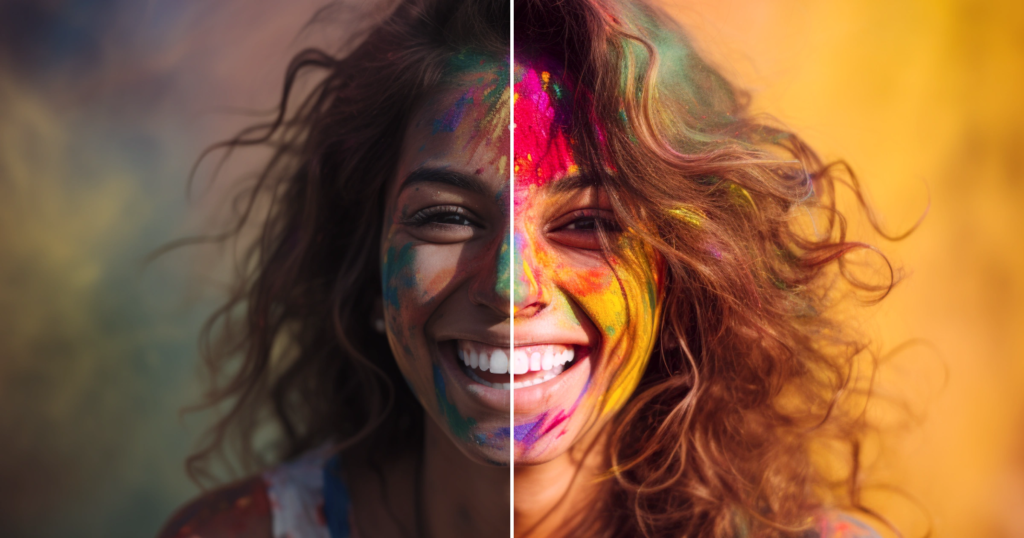
Rather than simply sharpening existing pixels, modern AI Photo Enhancer models reconstruct plausible detail based on patterns learned from millions of images. This is why AI upscaling tends to produce far more natural results than traditional resizing methods.
Core Features of AI Photo Enhancers
Upscaling (Super-Resolution)
Upscaling increases image resolution, often by 2x, 4x, or even 8x, while intelligently reconstructing missing detail rather than simply stretching pixels. This allows low-resolution images to be enlarged for printing or high-resolution displays without the blurriness typical of basic resizing.
Denoising
Denoising removes grain and visual noise caused by low light or heavy compression, producing cleaner images while preserving important details.
Deblurring and Sharpening
AI deblurring predicts what a sharp version of a blurry or out-of-focus photo should look like and reconstructs it accordingly. Sharpening tools enhance edges and fine details without the harsh, over-processed look common in traditional sharpening filters.
Face Restoration
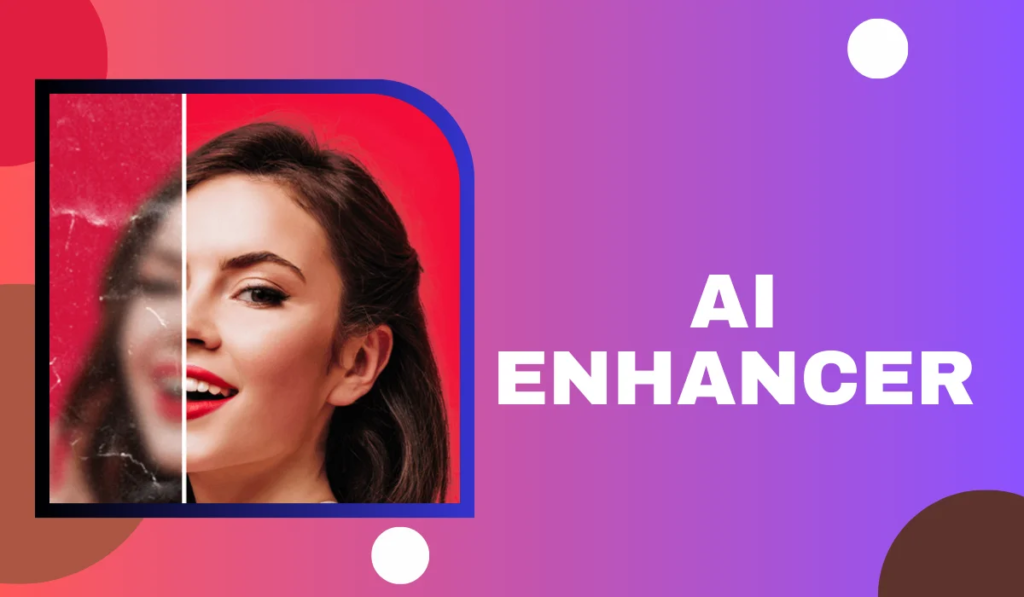
Face restoration tools refine skin texture, enhance eyes, and recover lost facial detail, making them especially useful for restoring old or damaged portraits.
Feature Comparison Table
| Feature | What It Does | Best For |
|---|---|---|
| Upscaling | Increases resolution while reconstructing detail | Printing, large displays |
| Denoising | Removes grain and visual noise | Low-light or high-ISO photos |
| Deblurring | Reconstructs a sharper version of blurry images | Motion blur, soft focus |
| Face Restoration | Refines skin texture and facial detail | Portraits, old family photos |
How the Leading AI Photo Enhancers Compare
Independent testing throughout 2026 has consistently pointed to a few standout tools, each with different strengths depending on your specific needs.
Topaz Photo AI
Widely considered the benchmark for local, desktop-based enhancement, Topaz Photo AI combines denoising, sharpening, and upscaling into a single workflow. It processes images directly on your computer’s GPU, meaning no file uploads and generally faster results for professional-grade files, particularly RAW images from professional cameras.
Remini
Remini is a mobile-first tool best known for face restoration, particularly for reviving old, damaged, or faded family photos. Its face model is frequently cited as one of the strongest available, though results on non-face content like landscapes tend to be less impressive.
Let’s Enhance
A browser-based tool built around multiple specialized super-resolution models, Let’s Enhance is particularly strong for product photography, fashion, and general photography where natural texture recovery matters. It also supports very high maximum resolutions, making it a solid choice for large-format printing.
Adobe Photoshop (Firefly-Powered)
Adobe has integrated generative AI enhancement directly into Photoshop through its Firefly-powered Generative Upscale feature. This is a natural fit for anyone already working within the Adobe ecosystem, offering AI-assisted enhancement without needing a separate standalone tool.
Upscayl
For users who want a completely free, offline option, Upscayl is an open-source upscaler that runs locally with no limits or watermarks, making it a strong choice for privacy-conscious users who don’t need advanced restoration features.
Tool Comparison Table
| Tool | Best For | Processing Type |
|---|---|---|
| Topaz Photo AI | Professional-grade RAW photo enhancement | Local desktop |
| Remini | Face restoration and old photo repair | Mobile/cloud |
| Let’s Enhance | Product photography, large-format printing | Cloud-based |
| Adobe Photoshop | Users already in the Adobe ecosystem | Cloud-assisted |
| Upscayl | Free, private, offline upscaling | Local desktop |
Desktop vs. Cloud-Based Tools
AI photo enhancers generally fall into two categories, each with distinct trade-offs.
- Desktop tools (like Topaz Photo AI and Upscayl) process images locally on your device, meaning your photos never leave your computer. This offers stronger privacy and often faster processing, provided you have a capable GPU.
- Cloud-based tools (like Let’s Enhance and many mobile apps) process images on remote servers, which can introduce upload wait times but often require no special hardware and work well across devices.
If privacy is a priority, particularly for personal or sensitive photos, a local desktop tool is generally the safer choice.
Important Limitations to Understand
AI photo enhancers are powerful, but they aren’t magic. It’s worth understanding a few key limitations before relying on them:
- They reconstruct, not recover: AI upscalers generate plausible detail based on learned patterns, they don’t retrieve information that was never captured in the original image
- Heavily degraded images have limits: A 4x enlargement of a sharp photo can look excellent, but a 4x enlargement of a tiny, extremely blurry crop will improve without becoming perfectly sharp
- Always keep your original: Since enhancement involves some level of AI reconstruction, it’s good practice to preserve your unedited source file
- Non-face content varies in quality: Tools specialized in face restoration often produce weaker results on landscapes, objects, or textures
Choosing the Right AI Photo Enhancer for Your Needs
When deciding which tool fits your situation, consider:
- What you’re enhancing: Portraits and family photos benefit from face-focused tools like Remini, while product or landscape photography may be better served by Topaz or Let’s Enhance
- Your privacy needs: Local desktop tools keep your images off external servers
- Your budget: Free tiers are useful for testing quality, but often come with watermarks, resolution caps, or daily limits
- Your existing workflow: If you already use Photoshop or Lightroom, an integrated AI tool may be more convenient than a separate app
Why AI Photo Enhancers Have Become Essential Tools
Several factors explain why these tools have become so widely used in 2026:
- Genuine quality improvements, especially for old, low-resolution, or damaged photos
- Accessibility for non-professionals, removing the need for advanced manual editing skills
- Faster workflows, particularly for e-commerce and marketing teams processing large photo batches
- Continued advancement, with newer models producing increasingly natural, less “artificial” results
FAQs About AI Photo Enhancers
1. What is the best AI photo enhancer overall? Topaz Photo AI is frequently rated as the strongest overall tool for serious photo enhancement, particularly for RAW files and professional workflows, though the best choice depends on your specific needs.
2. Is there a good free AI photo enhancer? Yes, Upscayl is a free, open-source, offline upscaler with no watermarks, making it one of the strongest no-cost options available.
3. Can AI photo enhancers fix very old or damaged photos? Yes, tools like Remini are specifically strong at restoring old, faded, or damaged family photos, recovering facial detail and correcting color fading.
4. Do AI photo enhancers actually recover lost detail? Not exactly. They reconstruct plausible detail based on patterns learned from large image datasets, rather than retrieving information that was never captured in the original photo.
5. Are AI photo enhancers safe for private photos? Local desktop tools, like Topaz Photo AI or Upscayl, process images without uploading them to external servers, making them a safer choice for sensitive or private photos.
Conclusion
AI photo enhancers have transformed what’s possible with old, blurry, or low-resolution images, offering results that would have required professional editing skills just a few years ago. Whether you need to restore a decades-old family photo, sharpen a product shot, or upscale an image for printing, there’s likely a tool suited to your specific needs.
As these tools continue to improve, choosing the right one comes down to understanding your priorities, whether that’s raw quality, privacy, budget, or workflow convenience, and testing a free tier before committing to a paid plan.

